
Sell on Squarespace
Learn everything you need to start selling products, services, and content with Squarespace.

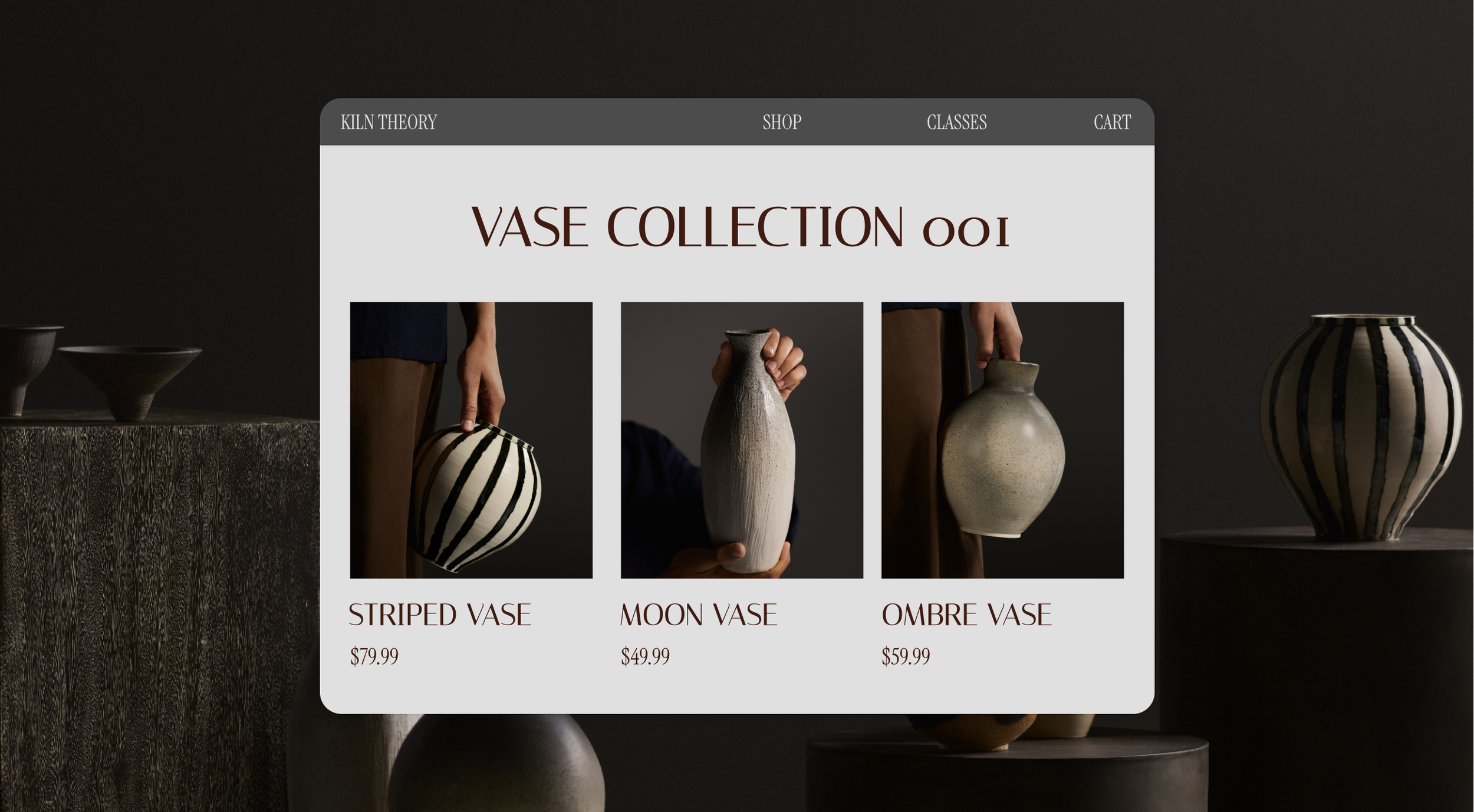
Getting started with your online store
The essential steps to set up an online store and start selling.
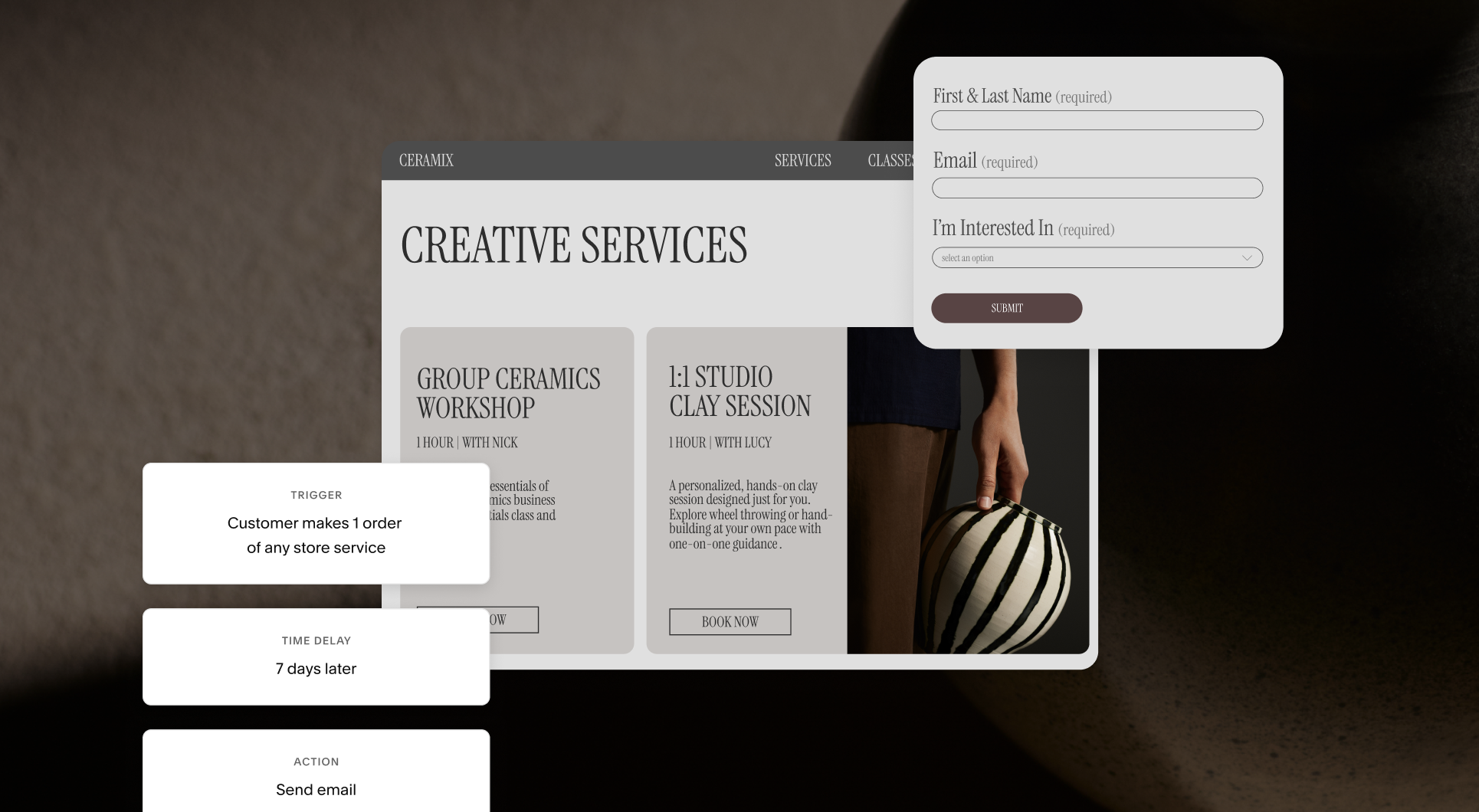
Q&A: Build a better customer enrollment journey
Discover how Squarespace’s growth and automation tools can help you build a smooth, connected enrollment experience.
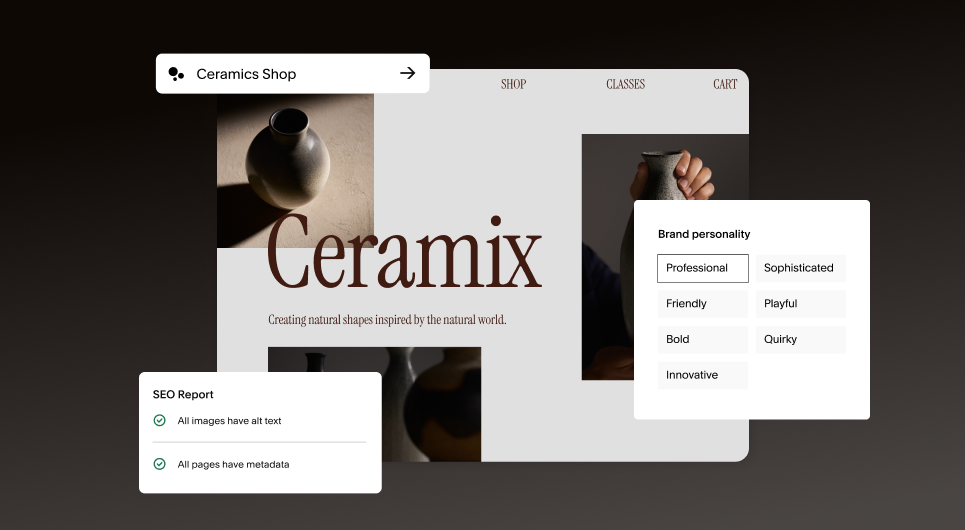
AI tools to build and grow your business
Use Squarespace’s AI tools to build your site faster, create stronger content, and boost your online visibility while staying true to your brand.
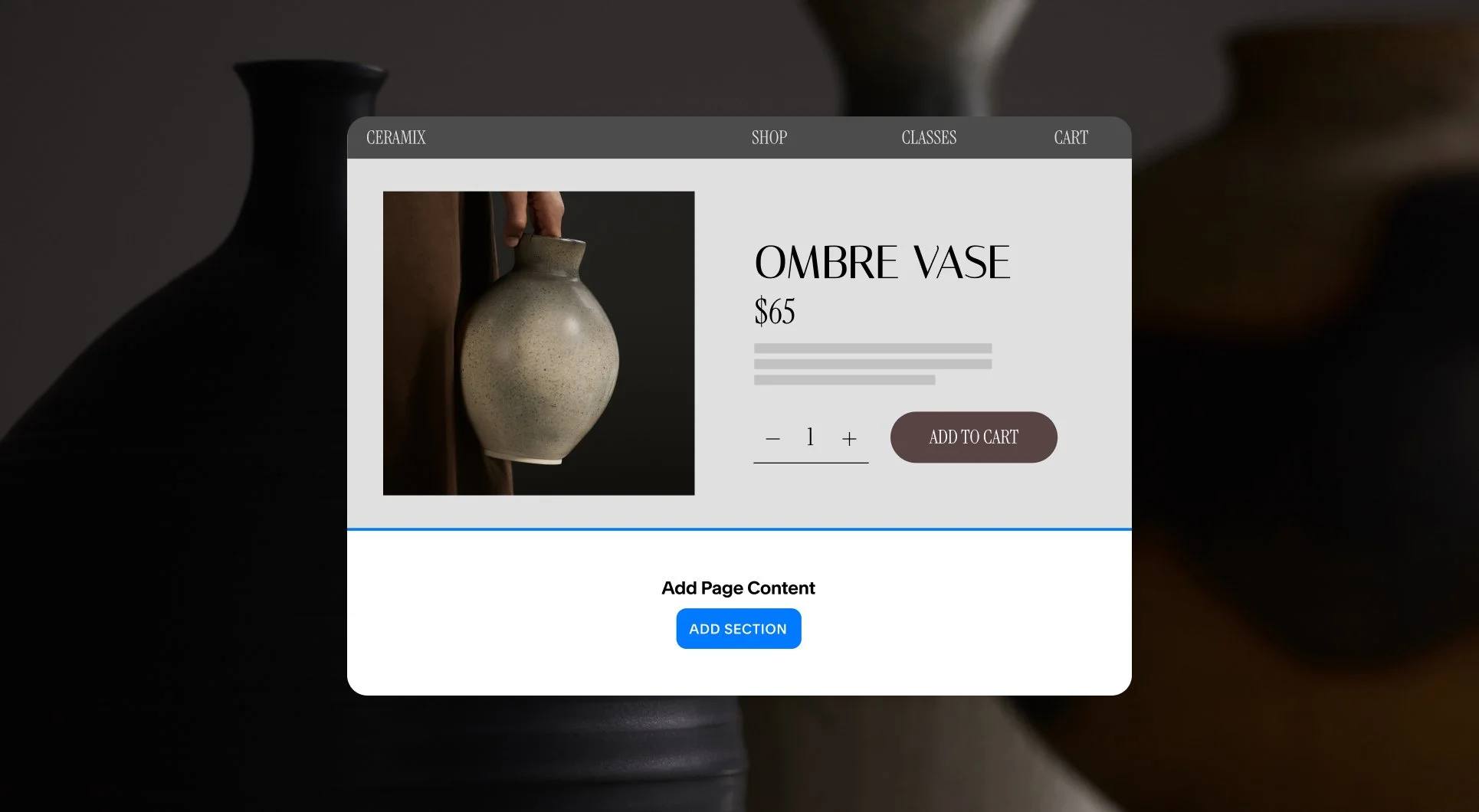
Further customizing product or service pages
Learn how to merchandise product and service pages with custom content that adds depth, context, and consistency.
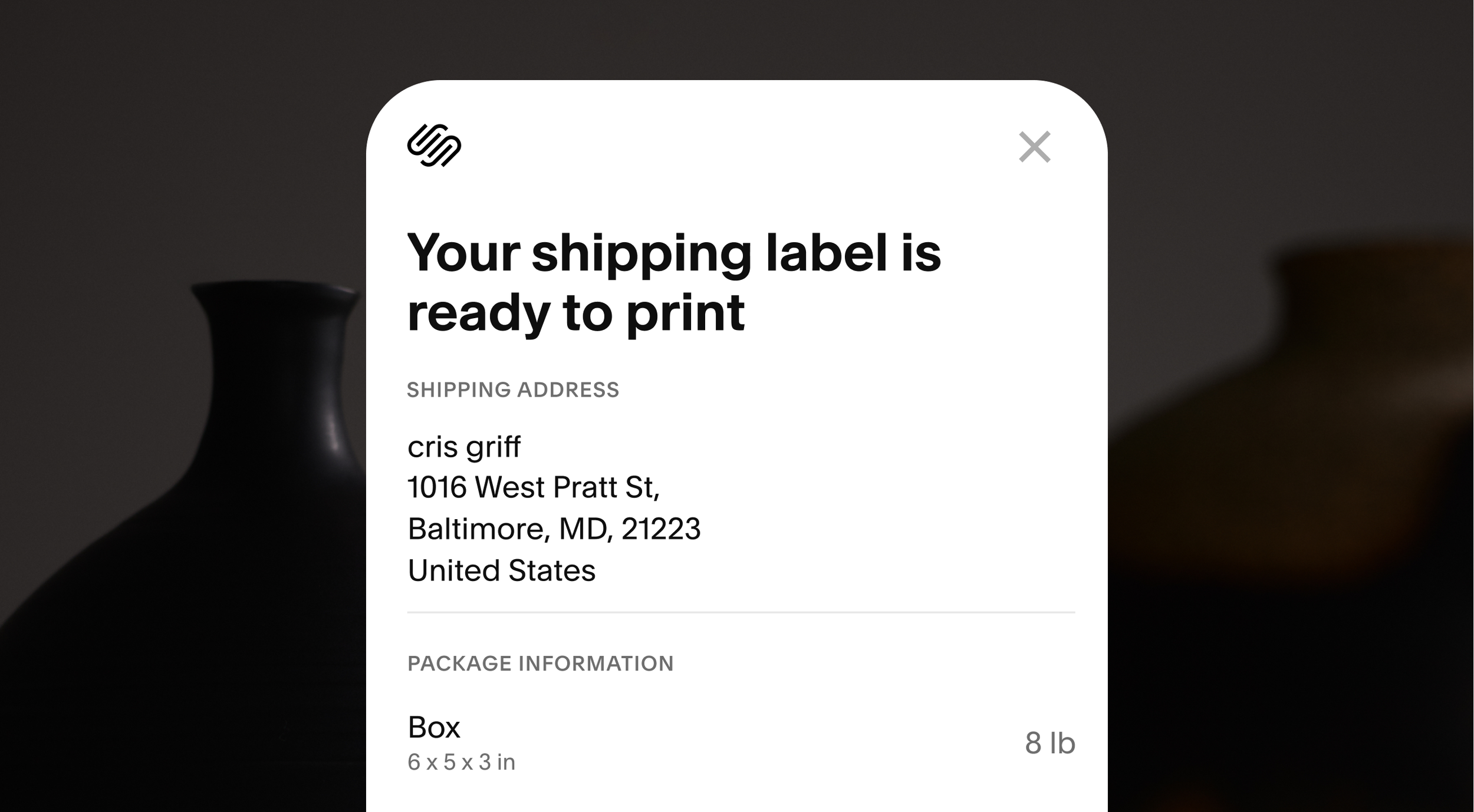
How to set up order fulfillment and tax rates for your store. Expert guidance on choosing the right shipping, local delivery, and pickup options.
Setting up shipping and taxes
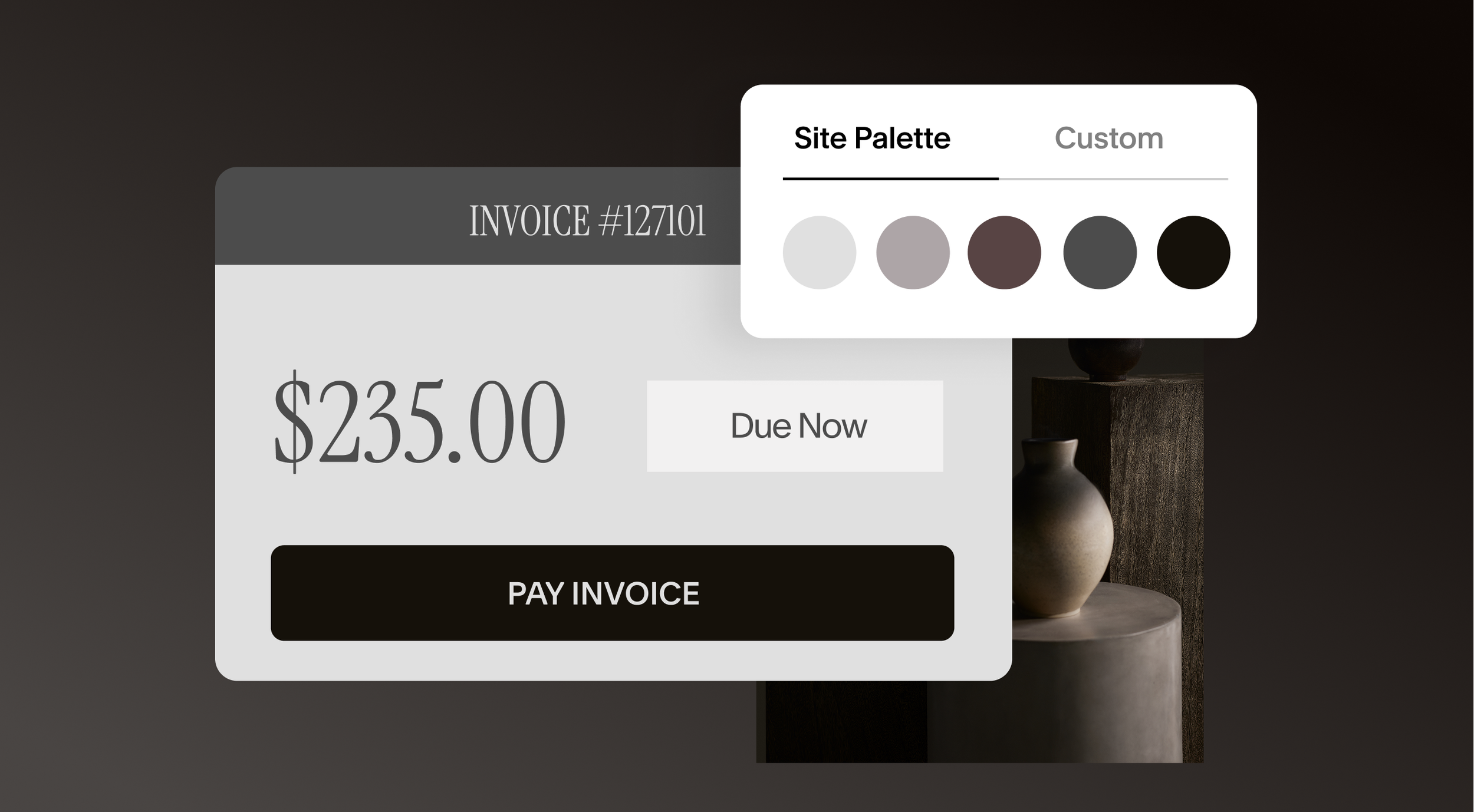
Design tips to increase your store’s sales
A deep dive into styling and merchandising tools to help customers navigate your store, encourage purchases, and make your products stand out.
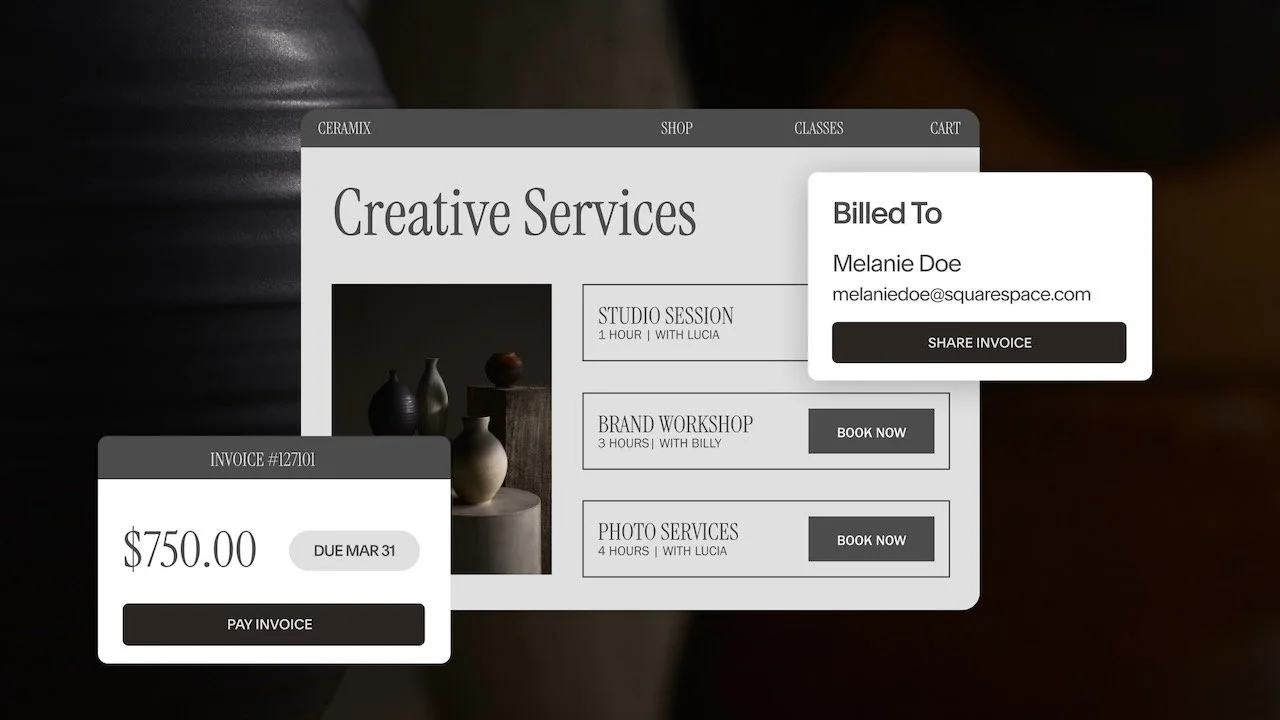
Q&A: Build a client journey that wins more business
A demo and Q&A on automating your client experience using our integrated suite of tools.
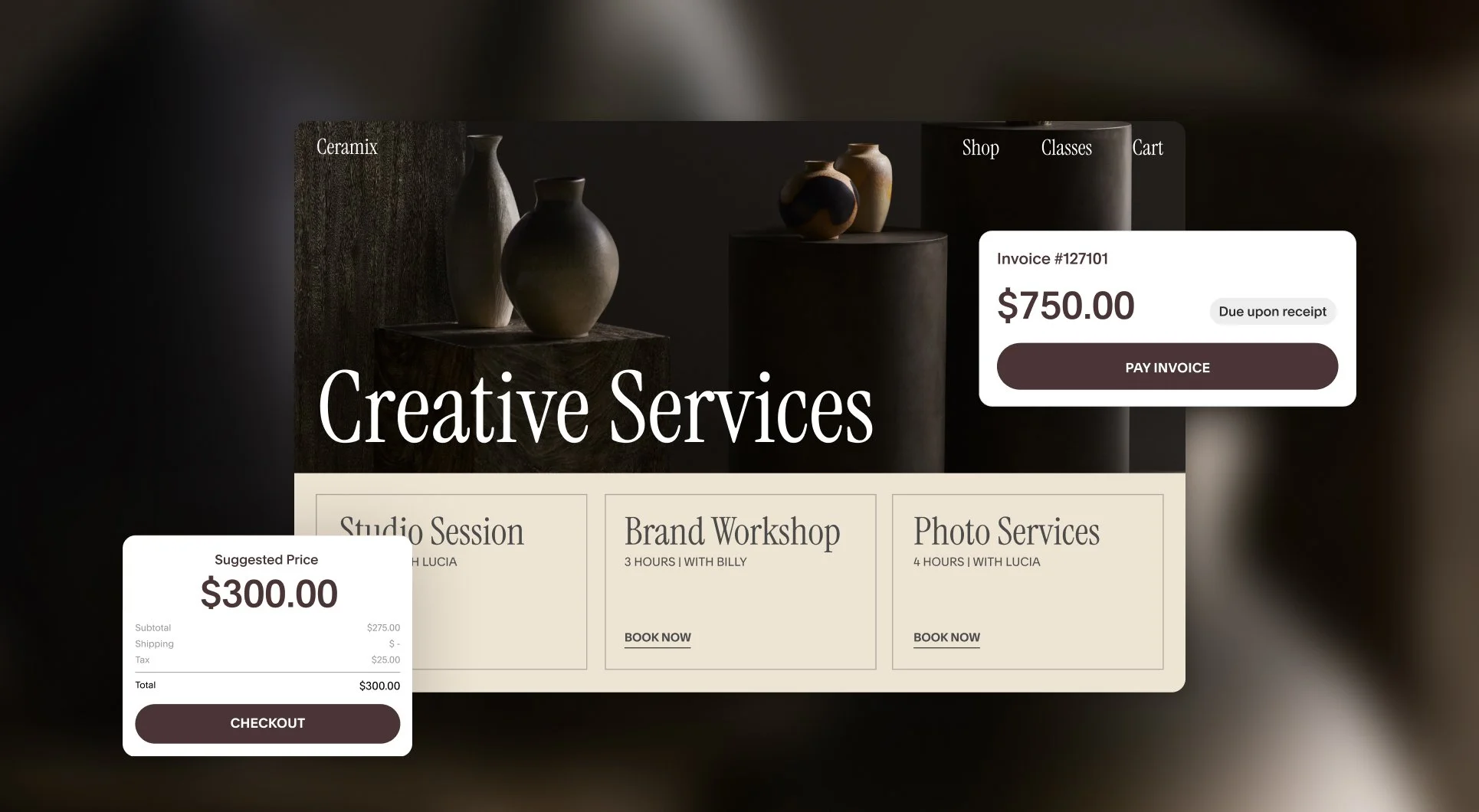
Get paid faster: Pay Links vs. invoices explained
We break down the differences between Pay Links and invoices and present use cases for both so you have the clarity to transact with confidence.
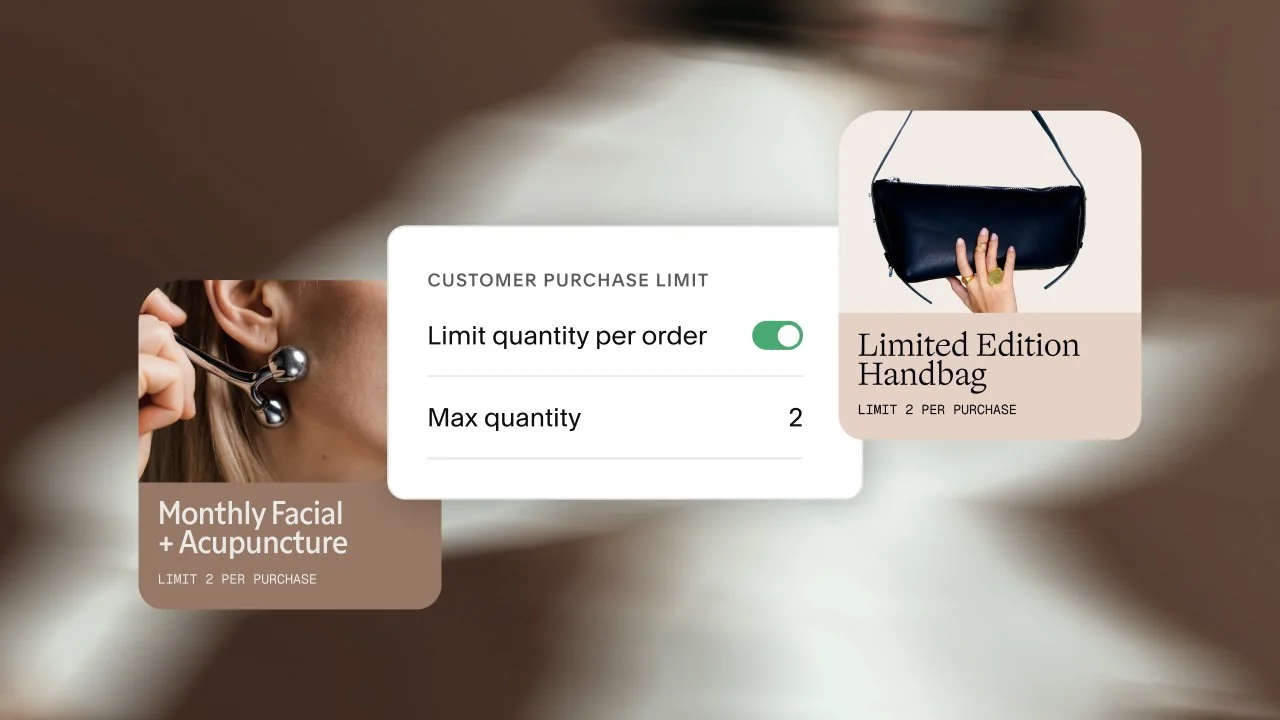
Selling in limited releases and drops
From scheduling launches to encouraging checkout, build hype and drive sales with Squarespace’s limited release tools.
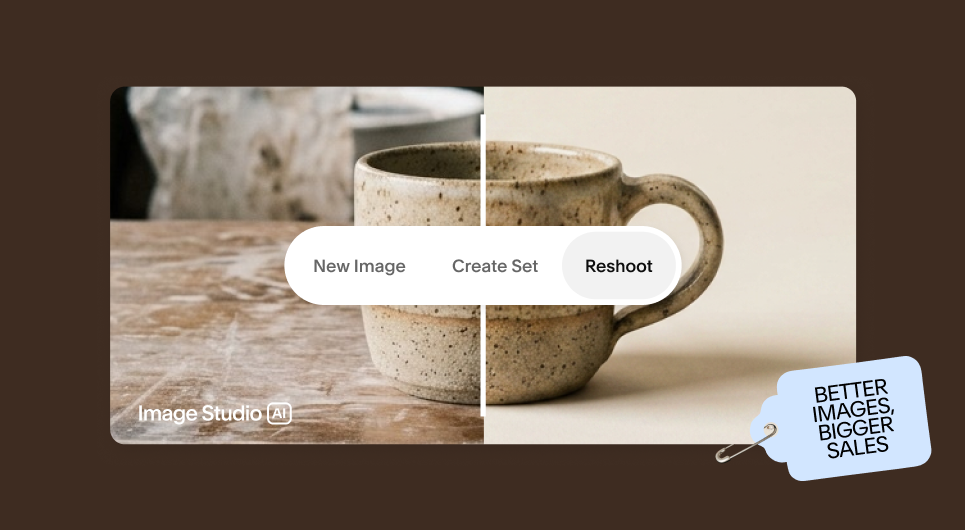
AI tools to accelerate your business
Build and grow your website faster with powerful AI tools from Squarespace, from generating custom content to strengthening AI search visibility.
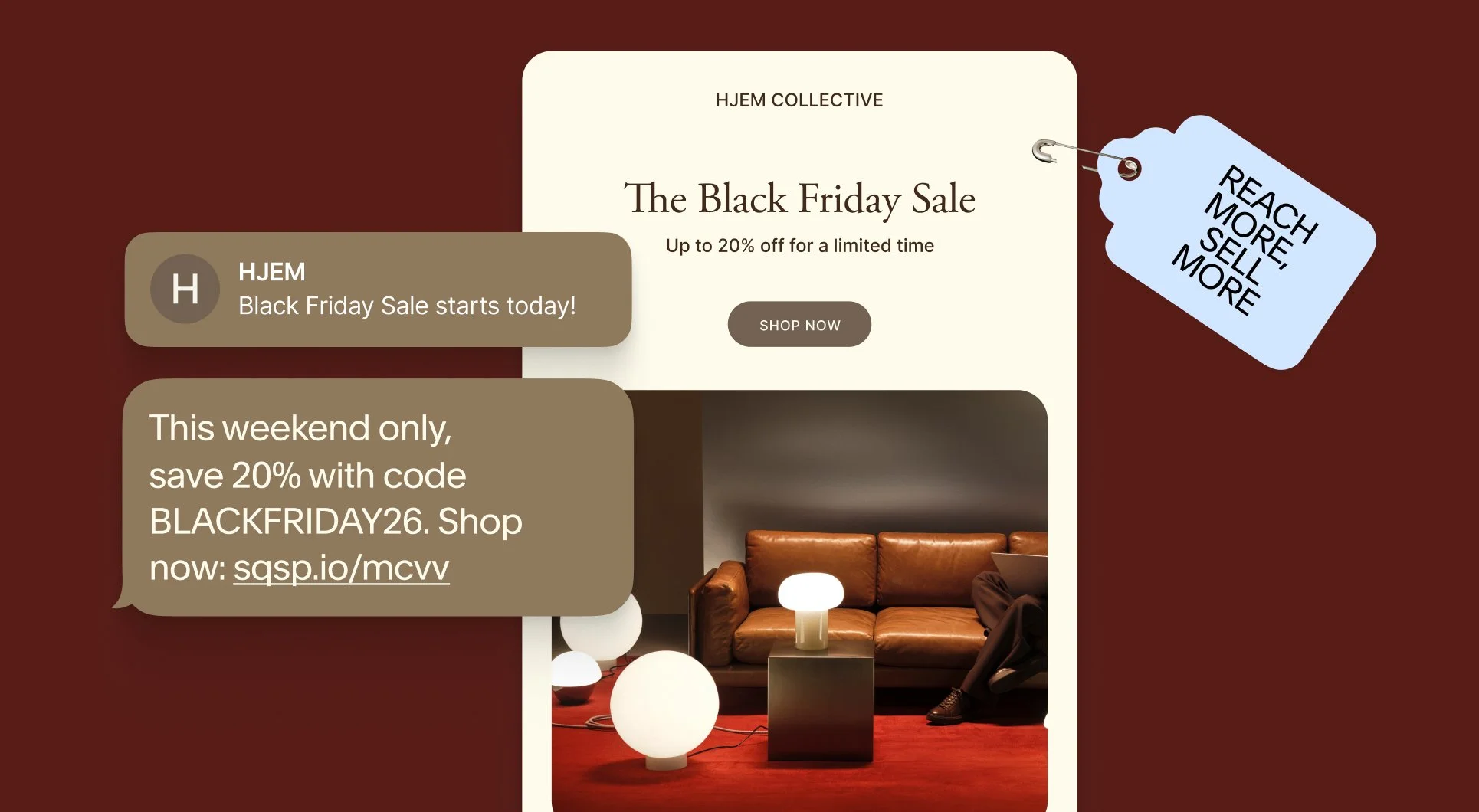
Maximizing holiday sales with Email and SMS Campaigns
Learn how to use Squarespace’s suite of marketing tools to create high-converting holiday campaigns.